If you’re a side hustler, freelancer, or 1099 earner, tracking mileage properly can make a meaningful difference at tax time. The IRS allows eligible business mileage deductions — but only when documentation is consistent and accurate.
This guide explains what qualifies, how mileage deductions work, and how to track business miles clearly using a structured Excel system.
What Qualifies as Deductible Mileage?
Business mileage typically includes driving related to income-generating activities. This can include:
- Driving to meet clients or customer
- Driving to a lunch meeting with a business purpose
- Rideshare or delivery driving (Uber, Lyft, Doordash, etc.)
- Traveling between job sites or gigs
- Driving to purchase supplies or equipment
- Driving to bank, post office, or accountant for business matters
- Driving to attend business-related events, workshops, or networking
Lunch Meetings
Mileage to a lunch meeting can be deductible IF:
- The meeting has a clear business purpose
- You are meeting with:
- A client
- A potential client
- A collaborator
- A contractor
- The trip is not just “I worked on my laptop at Starbucks”
So in your tracker, the Business Purpose column becomes very important.
Examples of acceptable entries:
- “Client meeting – project planning”
- “Lunch meeting with prospective client”
- “Business development meeting”
Not acceptable:
- “Lunch”
- “Grabbed food”
- “Worked while eating”
The mileage may be deductible even if the meal is only partially deductible.
Commonly NOT Deductible
- Daily commuting from home to a primary W-2 job
- Personal errands
- Social lunches with no business intent
- Travel that is primarily personal with no business necessity
Always confirm current IRS guidance before filing.
How the IRS Mileage Deduction Works
The IRS sets a standard mileage rate each year. To calculate a deduction:
Total Business Miles × Standard Mileage Rate = Deduction Amount
For example, if you drove 5,000 qualifying business miles and the rate was $0.67 per mile:
5,000 × 0.67 = $3,350 potential deduction
Accurate tracking ensures you don’t underreport — or overestimate — your numbers.
Why Manual Tracking Often Fails
Many independent earners try to track mileage mentally or jot it down inconsistently. Over time, this leads to:
- Missed entries
- Inaccurate totals
- No structured documentation
- Increased stress during tax season
A simple structured system reduces those risks.
How to Track Mileage Using Excel
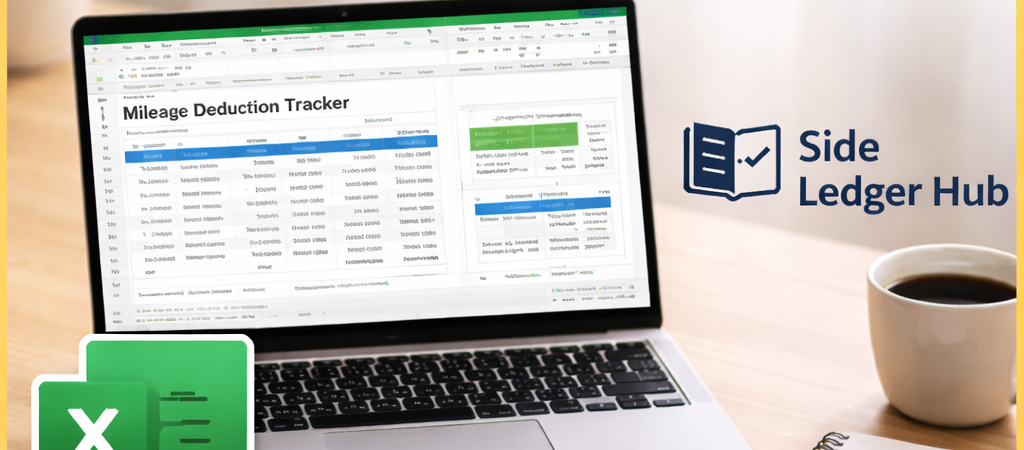
An effective mileage tracking spreadsheet should include:
- Date
- Starting location
- Destination
- Business purpose
- Total miles driven
- Automatic running totals
When entries are recorded consistently, Excel can automatically calculate total deductible miles for the year.
Download a Structured Mileage Tracker
To simplify mileage tracking, Side Ledger Hub offers a structured Excel mileage tracker designed specifically for independent earners.
The spreadsheet includes built-in calculations, organized entry fields, and a summary tab to help you stay accurate throughout the year.